WELUX Desktop 3D Printer

Print real toys at home.
No experience needed.

A compact CoreXY desktop printer designed for families, classrooms and first-time makers. Pick a model, press print — auto leveling and guided LED feedback handle the rest.
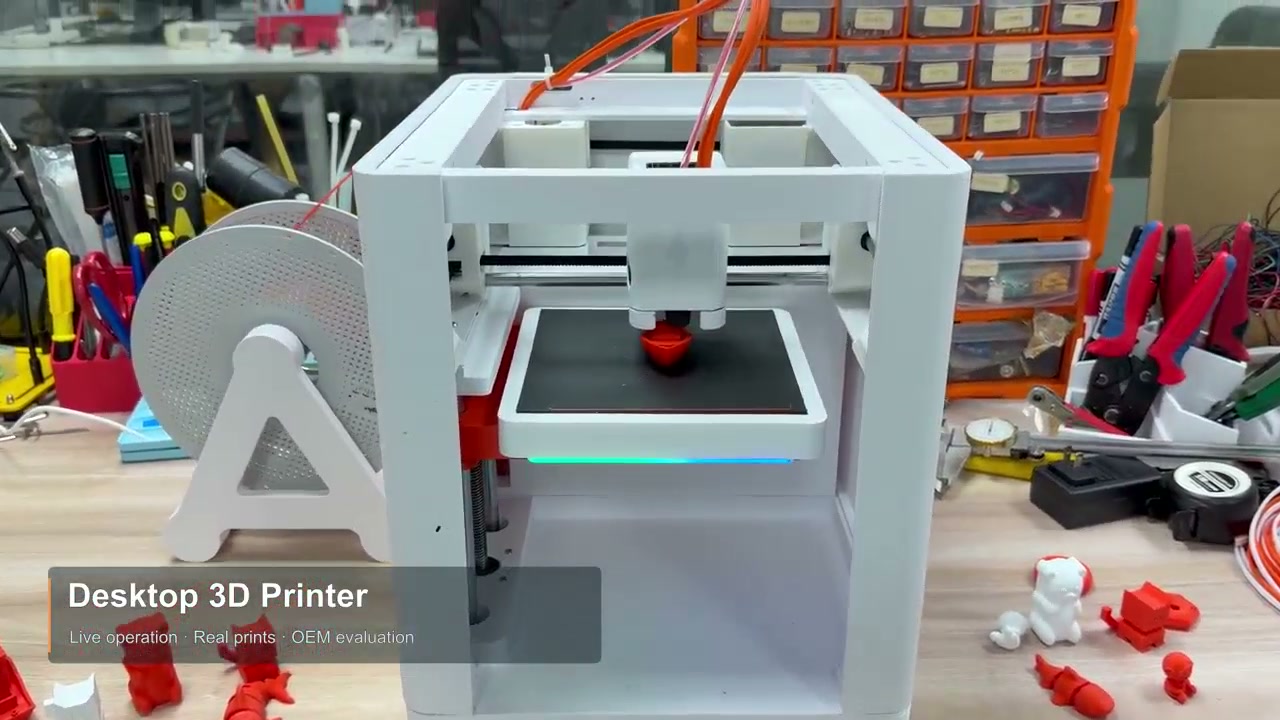
300 mm/s max speed CoreXY motion 145×145×130 mm build volume Auto leveling
WELUX desktop 3D printer printing red toys on a workbench
300 mm/s
Max printing speed
8000 mm/s²
Max acceleration
2.73 L
Build volume
3 × Sensors
Pressure-sensor auto leveling
Engineering highlights

Why it prints better

Every choice below trades complexity for reliability — the same philosophy our 2,600-printer farm depends on.
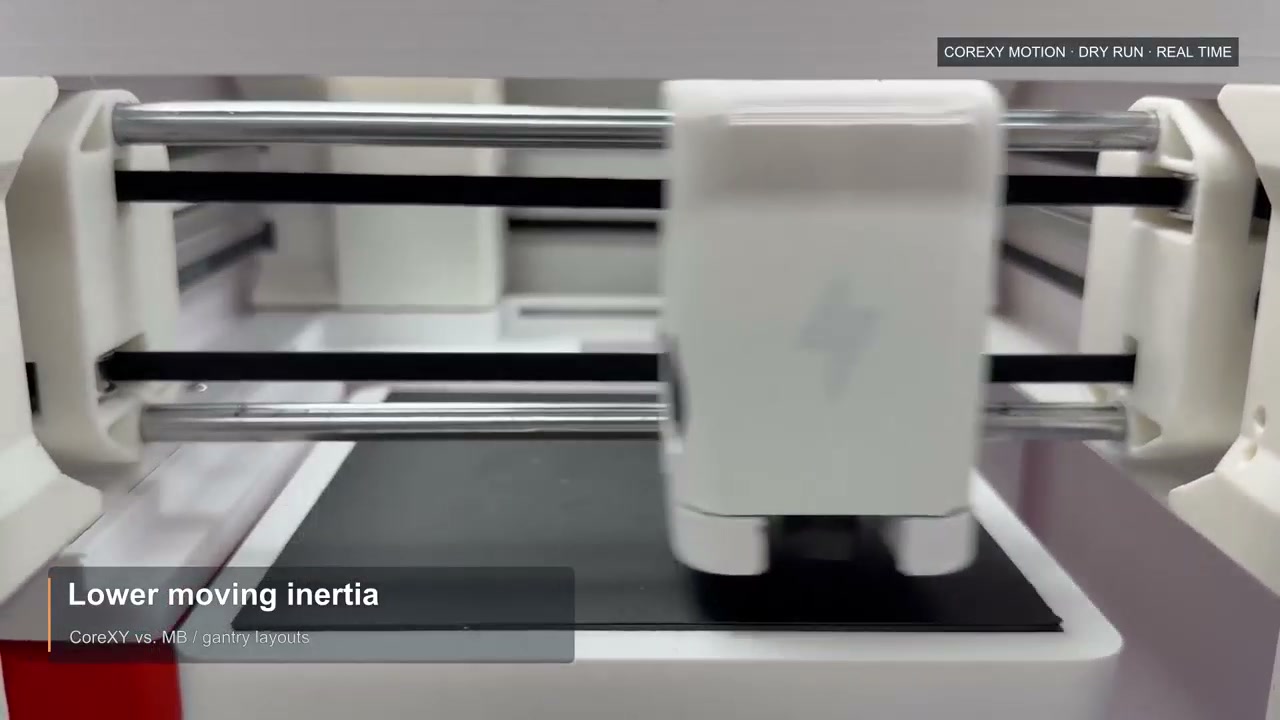
CoreXY motion system with lower moving inertia
CoreXY motion

Lower moving inertia

The print head moves on two fixed rails while the bed only moves down. Less inertia means higher acceleration headroom — up to 8,000 mm/s² — and cleaner corners at speed.
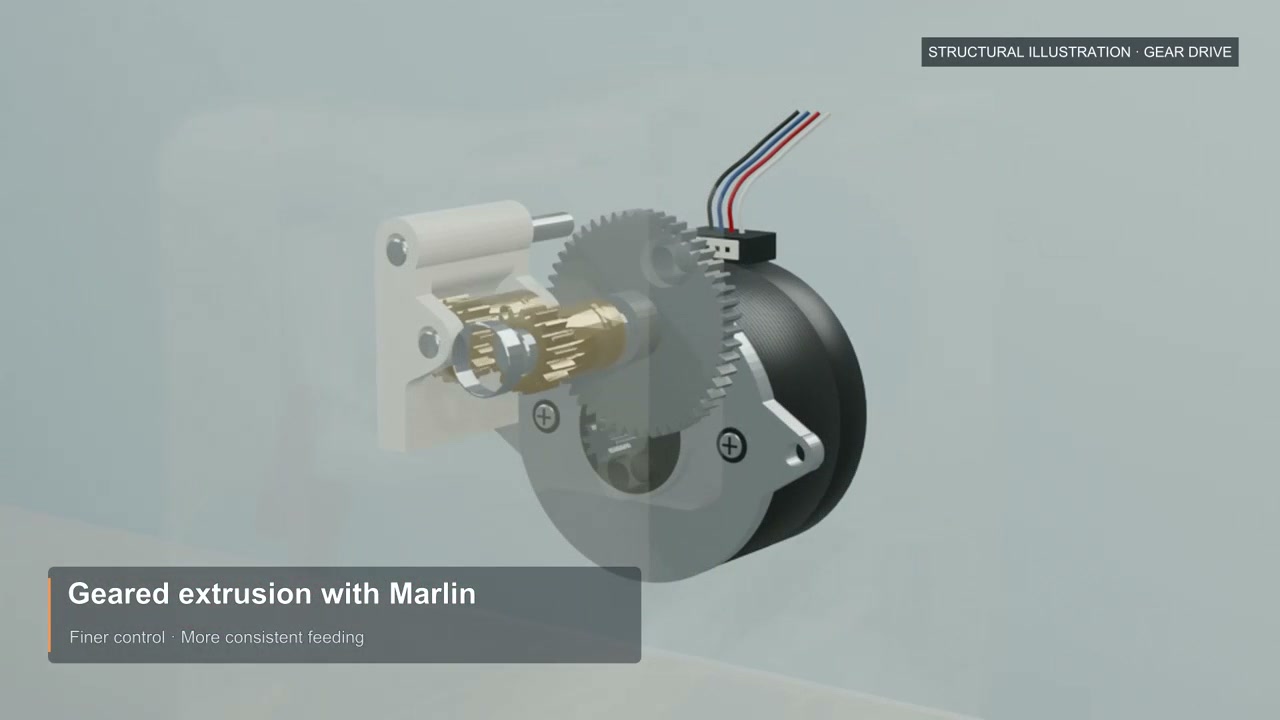
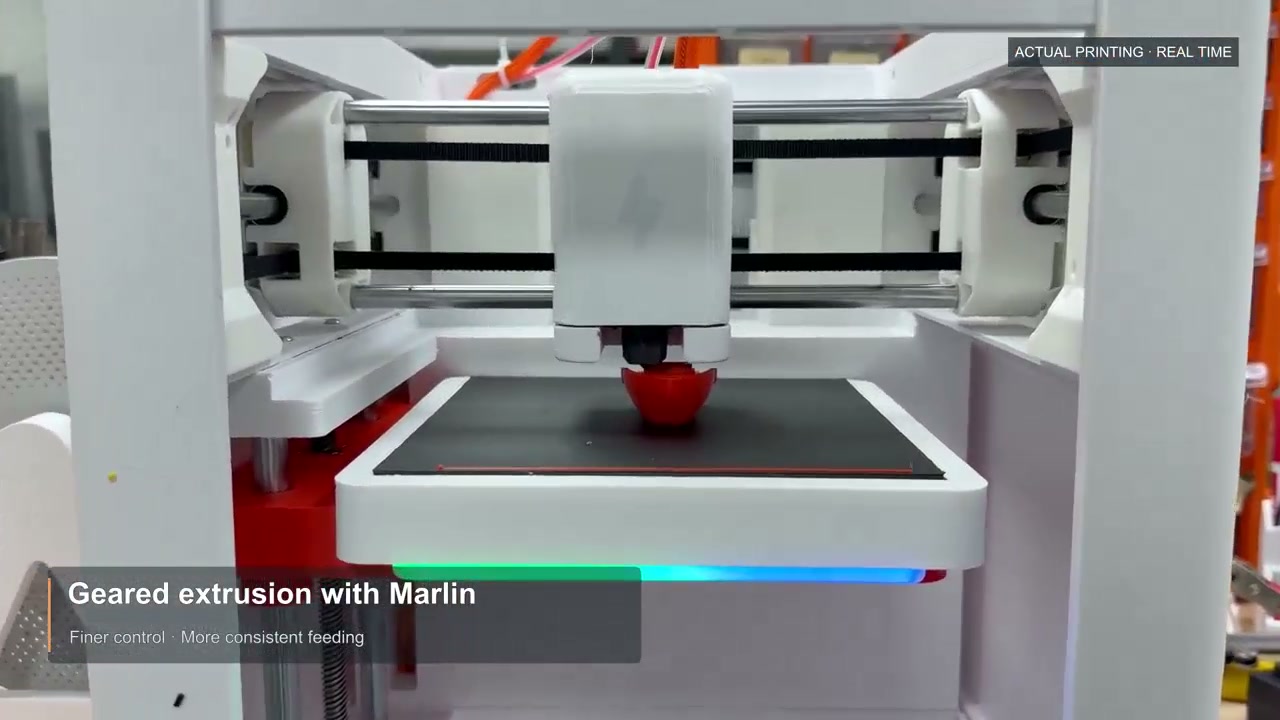
Geared extrusion drive illustration
Geared extrusion

Finer control, steadier feeding

A geared extruder driven by Marlin firmware meters filament precisely and consistently — up to 20 mm³/s melt flow through the 0.4 mm hardened-steel nozzle.
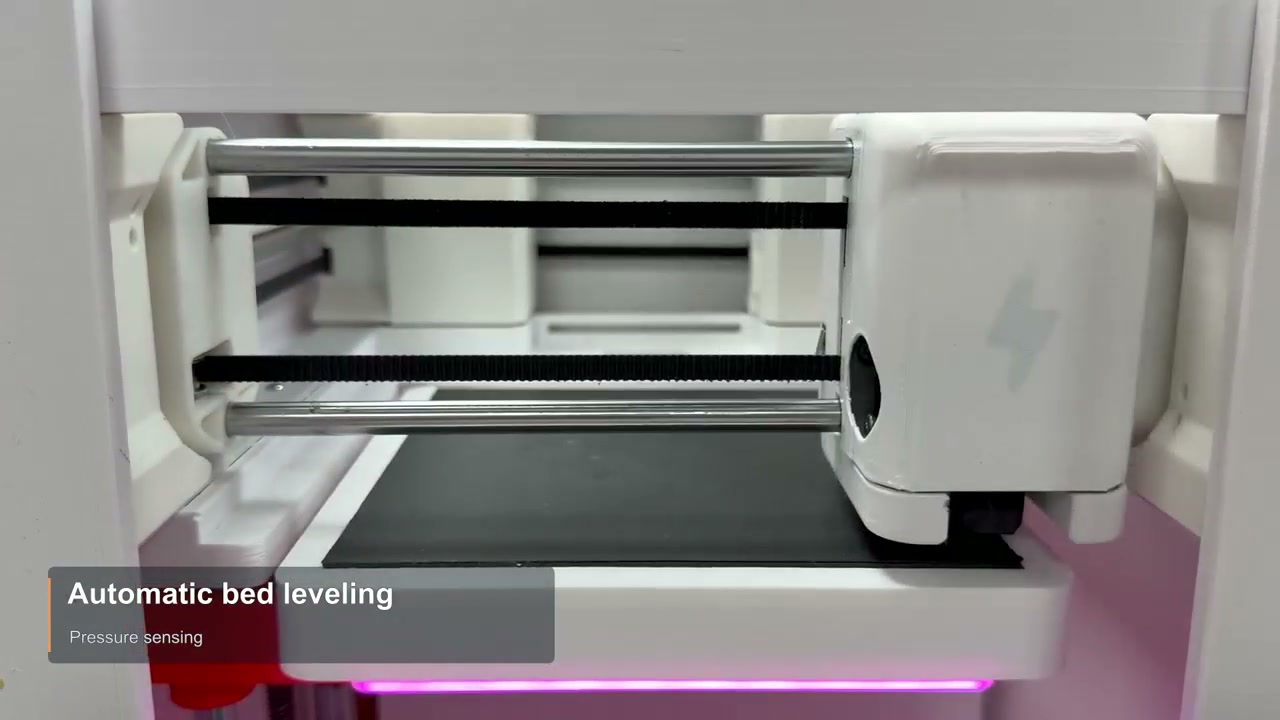
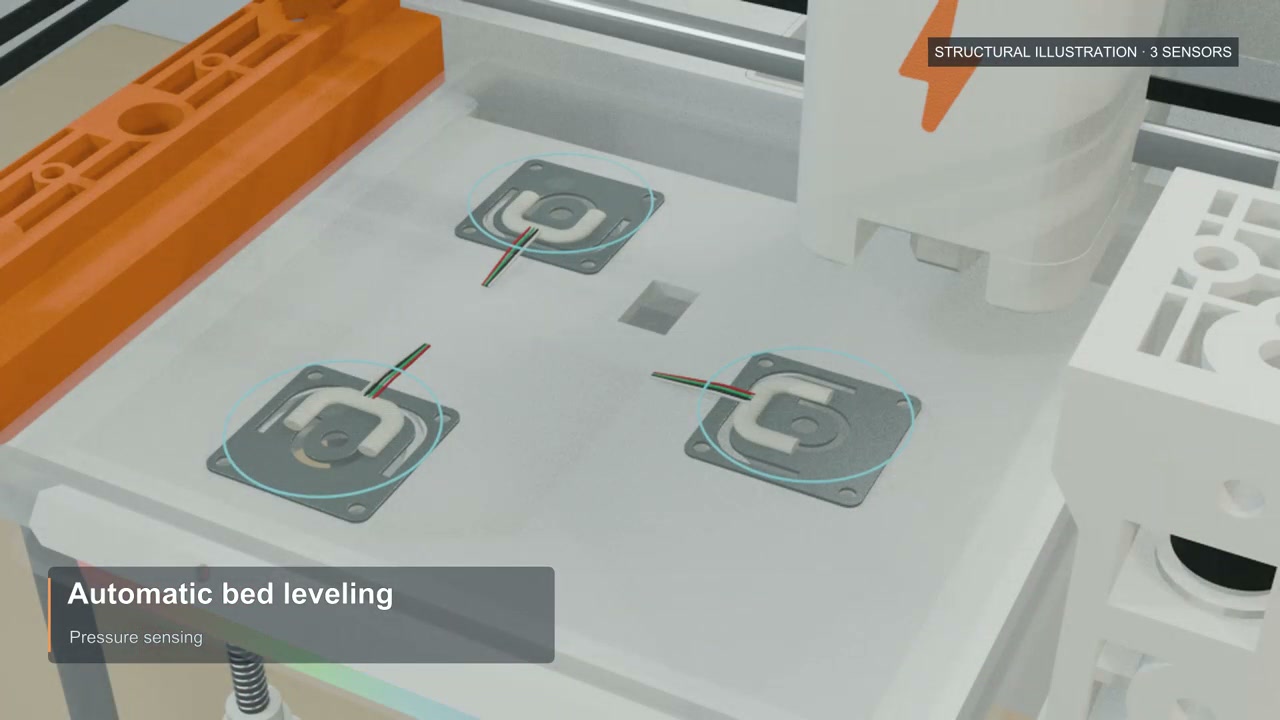
Automatic bed leveling with pressure sensing
Auto leveling

Perfect first layer, automatically

Three pressure sensors probe the bed — no paper, no thumbscrews. Automatic nozzle wiping keeps the tip clean before every job, so first layers stick right from day one.
Interactive LED light strip feedback
LED feedback

Know the status at a glance

An RGB light strip under the build plate maps machine states to colors — heating, printing, finished. Kids and classrooms can read it across the room.
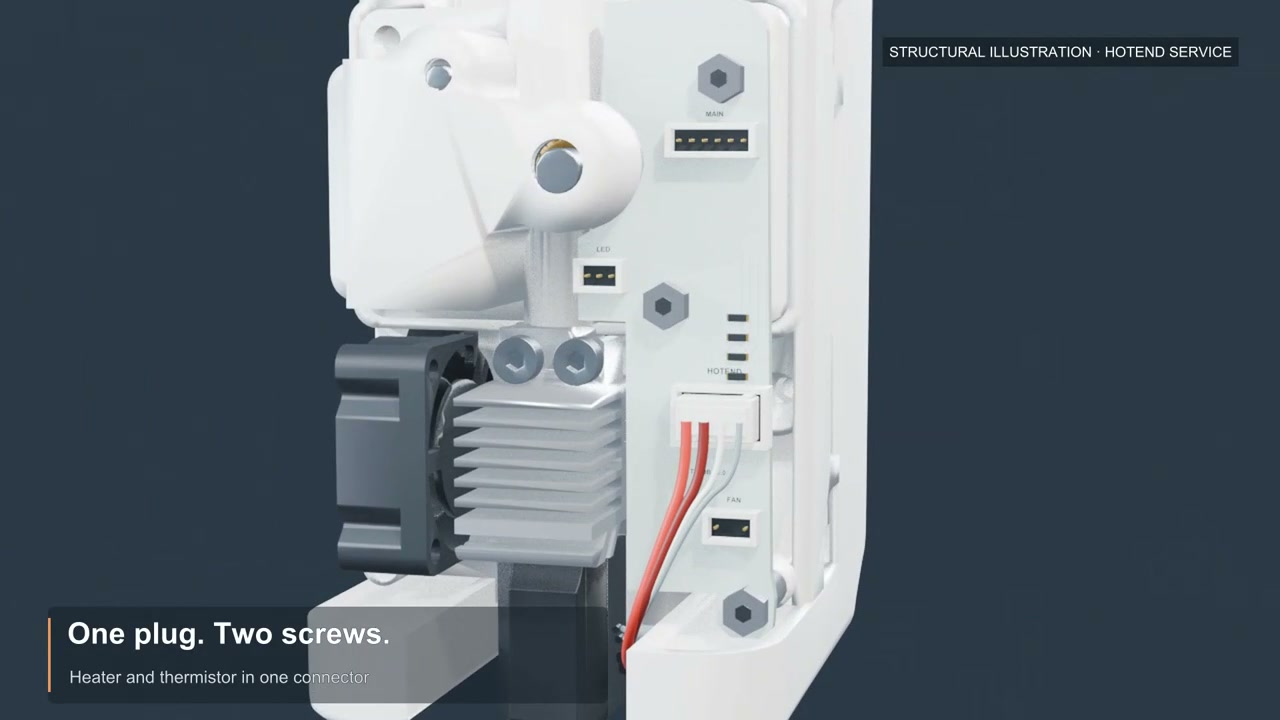
Tool-free hotend service — one plug, two screws
Easy maintenance

One plug. Two screws.

The magnetic front cover pops off for instant access. Heater and thermistor share one connector — the whole hotend swaps in minutes, no tools or expertise required.
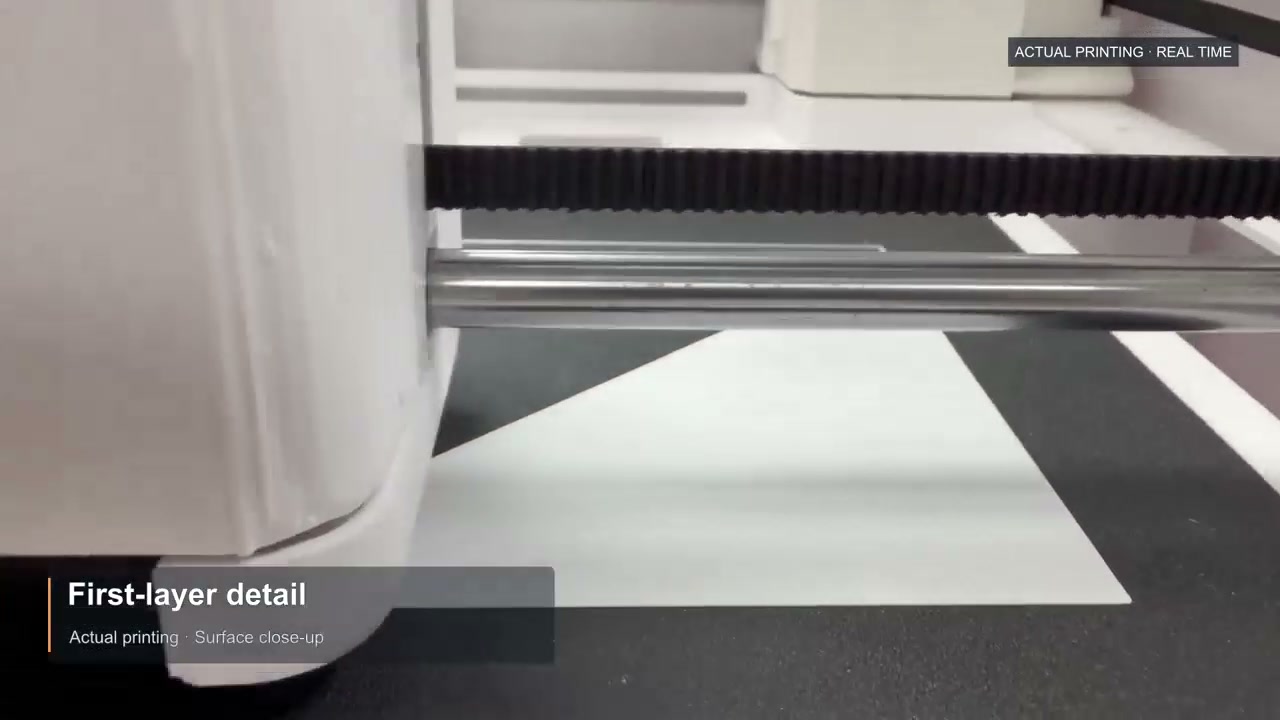
First-layer detail close-up during real printing
Print quality

Detail you can hand to a kid

A 2510 heatsink fan and a 5015 part-cooling fan sharpen overhangs and bridges, so articulated animals and small figures come off the bed ready to play.

Real machine · real prints

Watch it work

Shot from actual printing sessions — no renders, no staged footage.
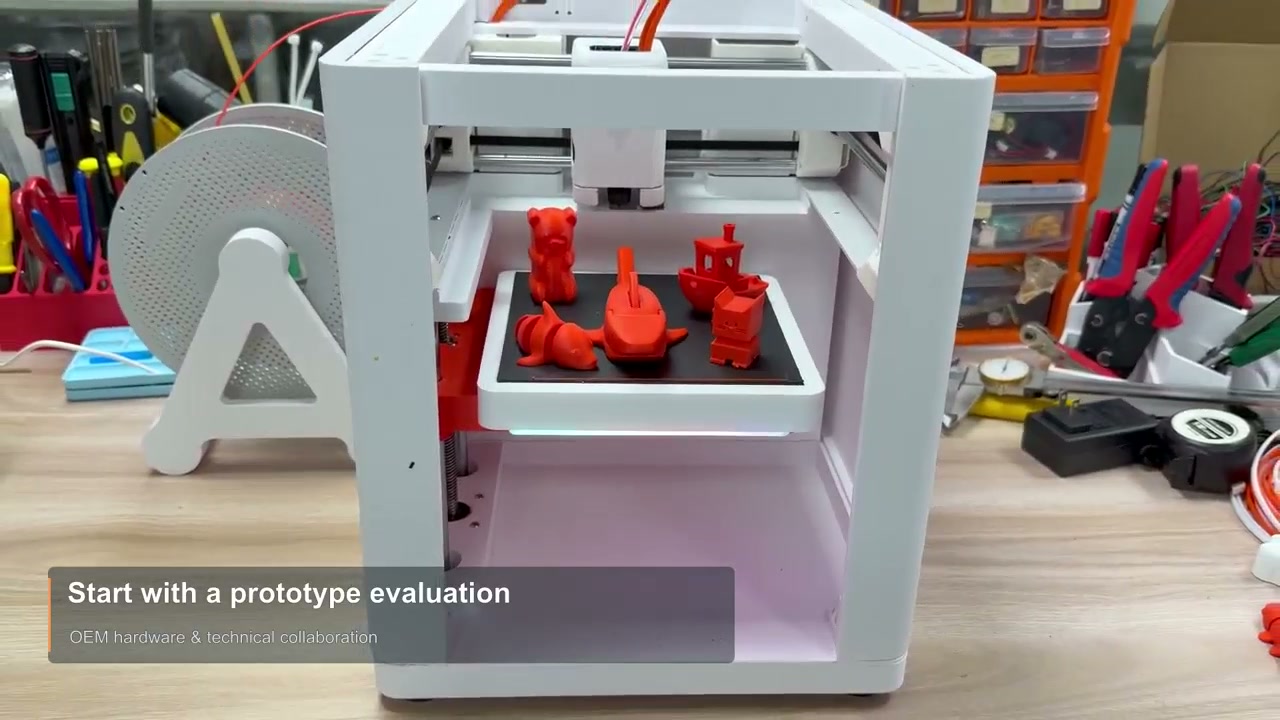
Five red 3D printed toys finished on the build plateA full batch of toys, finished in one session
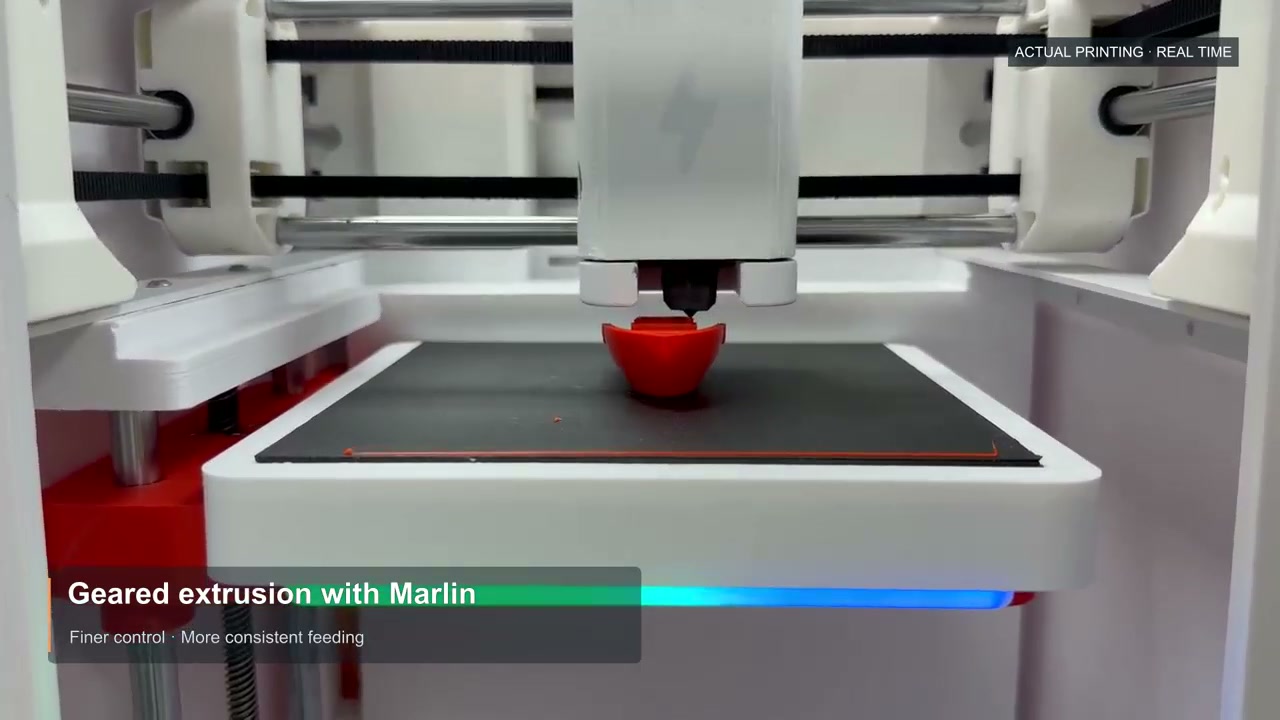
Red bowl printing in real time on the WELUX desktop printerLive printing · consistent extrusion
Three pressure sensors under the build plate for auto levelingThree pressure sensors map the bed automatically
Specifications

Full technical specifications

Everything a maker, a school or an OEM engineer needs to evaluate the machine.

Basic

Product typeDesktop 3D printer (FDM / FFF)
Motion structureCoreXY
Build size145 × 145 × 130 mm (X·Y·Z)
Build volumeapprox. 2.73 L
Machine sizeapprox. 275 × 300 × 326 mm (W×D×H)
FirmwareMarlin

Speed & motion

Max speed300 mm/s
Max acceleration8,000 mm/s²
Max melt flow20 mm³/s
Layer heightfrom 0.24 mm
Cooling2510 heatsink fan + 5015 part-cooling fan

Hotend & bed

ExtruderGeared extruder — fine, consistent feeding
NozzleHardened steel · 0.4 mm · up to 250 °C
Filament1.75 mm PLA
Bed levelingPressure-sensor auto leveling · 3 sensors
Nozzle careAutomatic nozzle wiping · magnetic front cover
Hotend serviceOne plug, two screws — tool-free swap

Electronics & software

Status lightRGB LED strip — color per machine state
ControllerDual-core Cortex-M4 MCU
ConnectivityUSB · memory card · Wi-Fi / Bluetooth (optional)
SlicersCura · PrusaSlicer · OrcaSlicer
OSWindows · macOS
PowerExternal adapter · 110/220 V AC → 24 V DC 3 A (72 W)
Note: machine dimensions are CAD reference values including 12 mm feet; actual product takes precedence. Real-world speed and flow vary with model, filament, temperature and slicer settings.
Made for families

From idea to toy in one afternoon

No modeling skills, no complicated software — the whole family can join in.
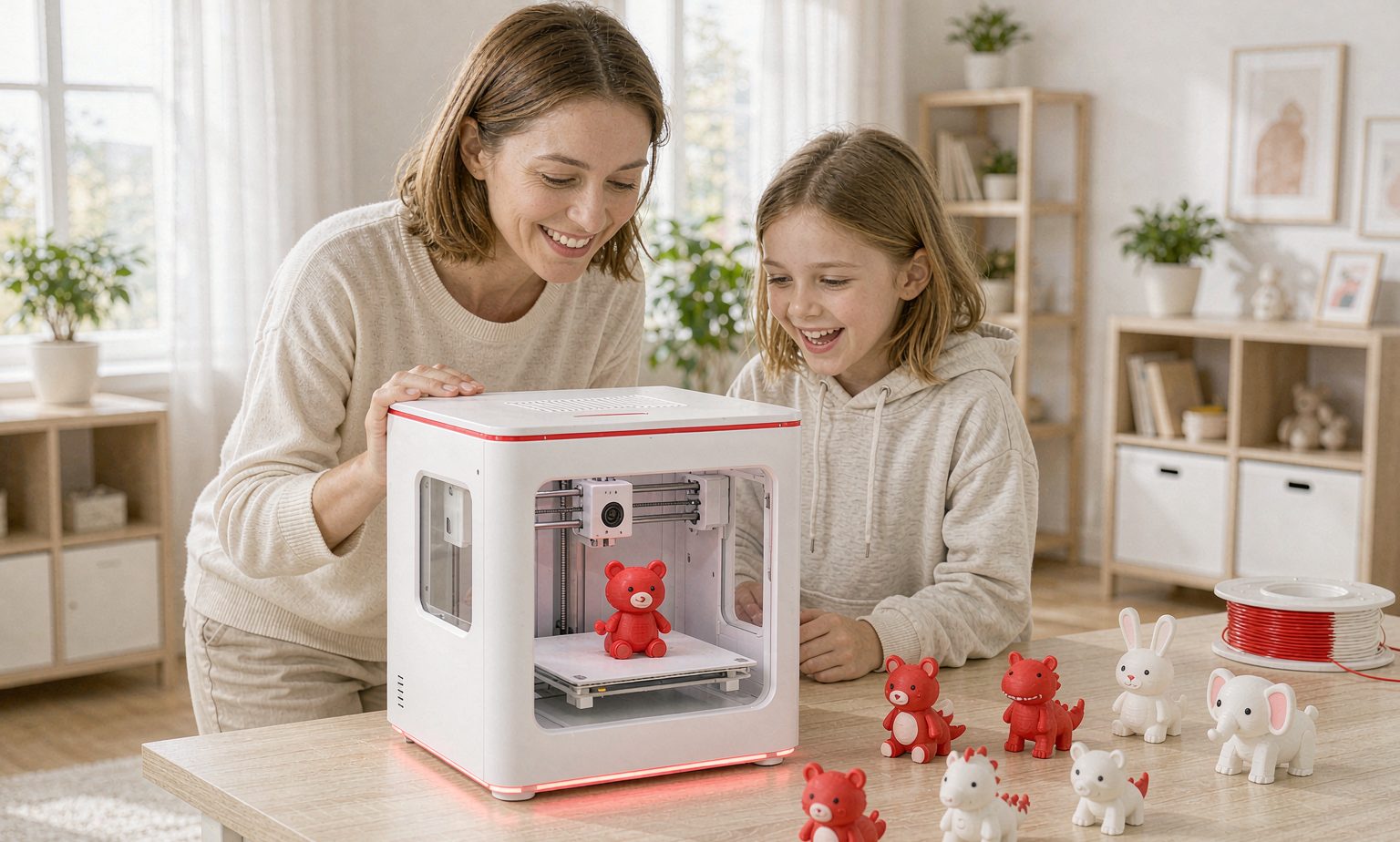
Mother and daughter watching a desktop 3D printer finish printed animal toys

Family bonding

Pick a model together, then watch it take shape layer by layer — the LED strip builds the anticipation.

Creative learning

Turn a child's idea into a physical object — hands-on making that trains spatial thinking and patience.

Ready out of the box

Pre-assembled, auto-leveled, and driven by slicers you may already know — Cura, PrusaSlicer or OrcaSlicer.
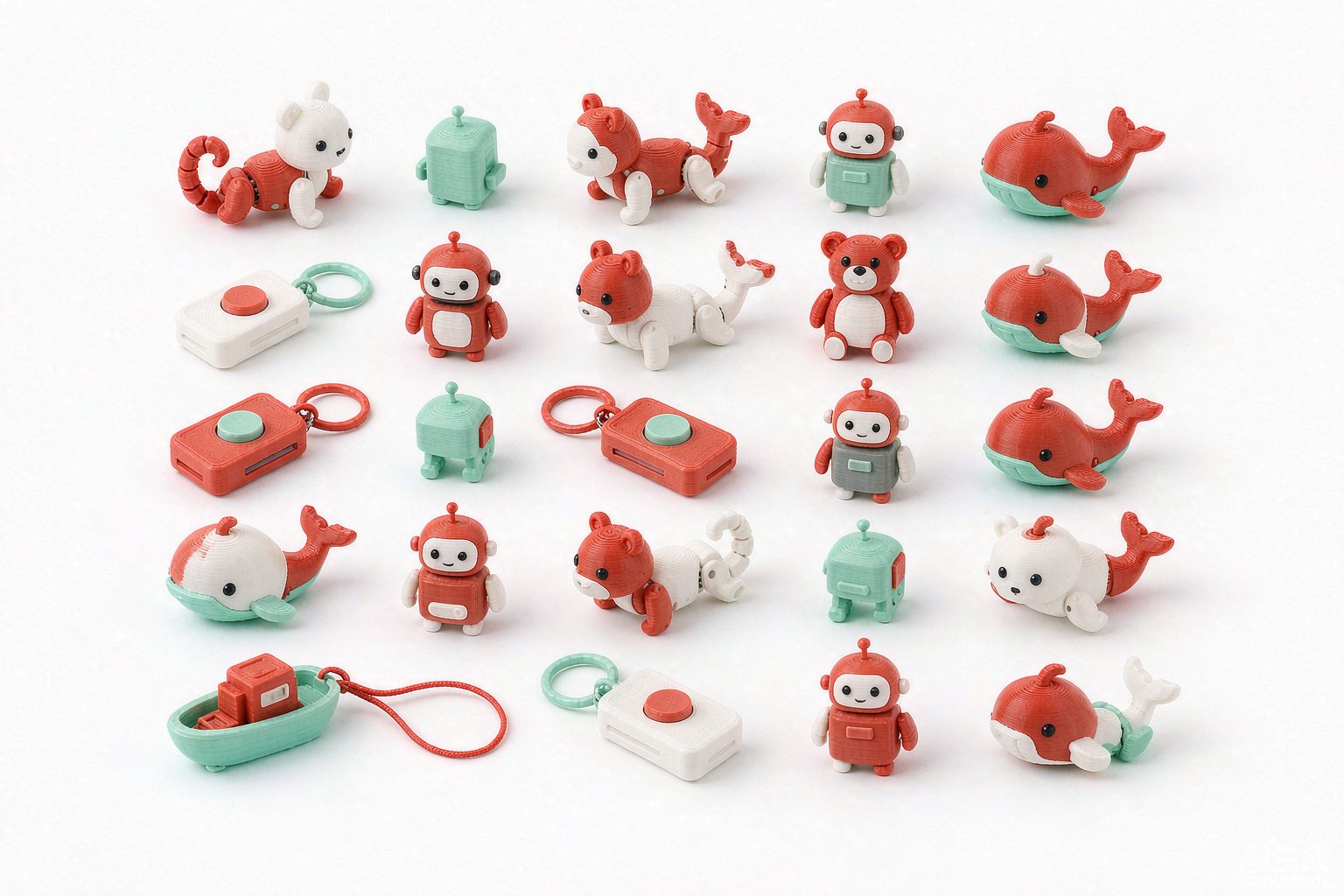
Collection of colorful 3D printed animals, robots and clicker keychains
What can you print?

Articulated animals, keychains, robots — thousands of free models

The machine prints any PLA model your slicer can open. WELUX also produces 3,400+ toy designs in-house — printed on the very same platform, so what you make at home matches our factory-grade output.

Browse 3,400+ designs
OEM & technical collaboration

Start with a prototype evaluation

This platform was engineered to balance cost, reliability and ease of maintenance — the same bar we hold for our own 2,600-printer farm. We welcome OEM hardware and technical collaboration.

  • Live machine demos and real printed samples on request
  • Hardware, firmware and toolchain documented for engineers
  • Custom branding, packaging and feature adaptation available
Talk to our hardware team
WELUX printer with finished prototype toys for OEM evaluation
FAQ

Frequently asked questions

Do I need previous 3D printing experience?
No. Auto leveling and guided LED status feedback remove most manual tuning — load PLA, pick a model in your slicer or model library, and start printing.
How difficult is it to set up?
The printer ships pre-assembled. Pressure-sensor auto leveling with 3 sensors and automatic nozzle wiping handle calibration for you, so first prints usually take minutes, not hours.
Is the printer safe for kids?
It is designed for family use: prints with PLA only, an RGB LED shows machine status at a glance, and the magnetic front cover keeps the hotend area enclosed. Adult supervision is recommended for younger children.
Does the printer require Wi-Fi?
No. USB and memory card work out of the box. Wi-Fi and Bluetooth are available as optional connectivity for wireless sending.
What if I need help with setup or troubleshooting?
Email support@welux.com.cn — our after-sales team replies within one business day, and hotend service takes one plug and two screws with the magnetic front cover.

Bring the factory home

Whether you want one printer for the family, a classroom set, or an OEM platform for your own product line — we reply within one business day.